Free, private and no sign-up

Free PDF converter, plus Word, Excel and image tools

Turn a PDF into Word or Excel, make a PDF from a document or a photo, shrink a PDF or an image for an upload form, or combine several files into one PDF. It's free, you don't need an account, and your files are deleted after you've downloaded them.

  • No account needed
  • No watermark
  • Files deleted automatically
  • Processed on our own server

How it works

  1. Pick the tool

    Each converter does one job. Choose the one that matches the file you have.

  2. Add your file

    Drop it into the box or tap “Choose file”. It works the same on a phone.

  3. Download it

    Most files are done in a few seconds. Download the result, or delete it right away with one click.

Why people use PDFConvertly

Simple tools you can trust with your files

  • Actually free

    No trial, no watermark stamped on your pages, and no email address needed.

  • Results you can edit

    PDF to Word gives you normal paragraphs, not a page full of floating text boxes. PDF to Excel gives you numbers you can add up.

  • Your files don't hang around

    We convert them on our own servers, not through another company's service, and delete them automatically.

  • Works on your phone

    Any recent browser on Windows, Mac, Android or iPhone. Nothing to install.

From the blog

Latest guides

See all 19 guides

Which converter do I need?

Need to change the text in a PDF? Convert it to Word, make your edits, then turn it back into a PDF with Word to PDF, which also takes DOC, ODT and RTF files.

Got a bank statement or an invoice as a PDF? PDF to Excel puts the numbers into a spreadsheet you can sum and sort. Going the other way, Excel to PDF fits wide sheets onto the page, so your last columns don't end up on a page of their own.

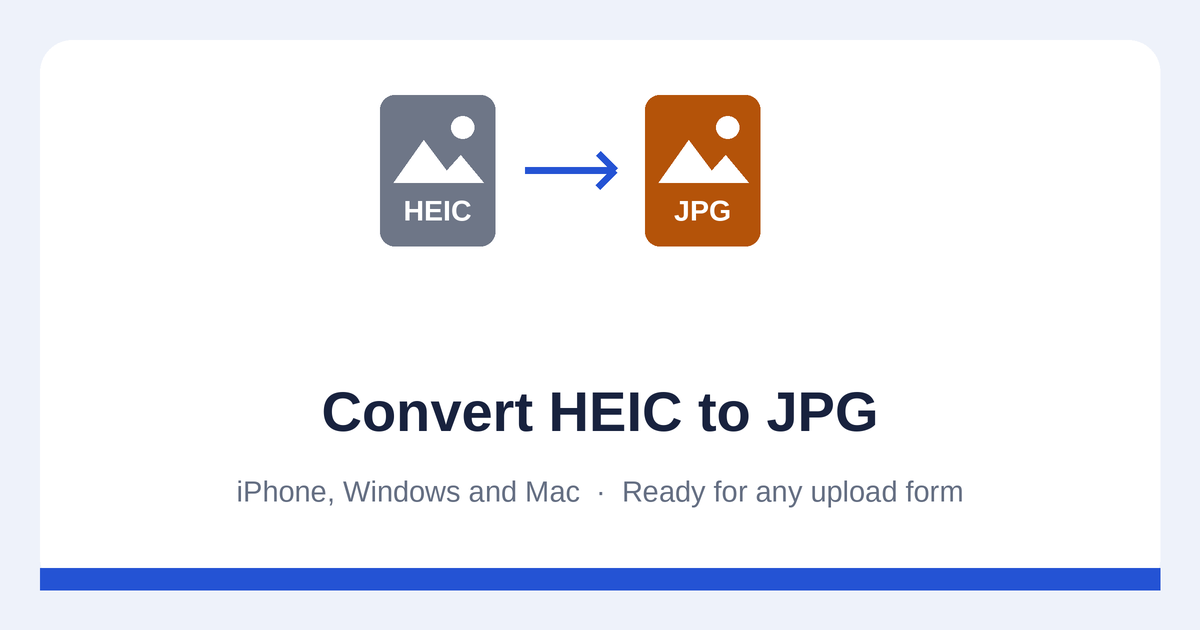
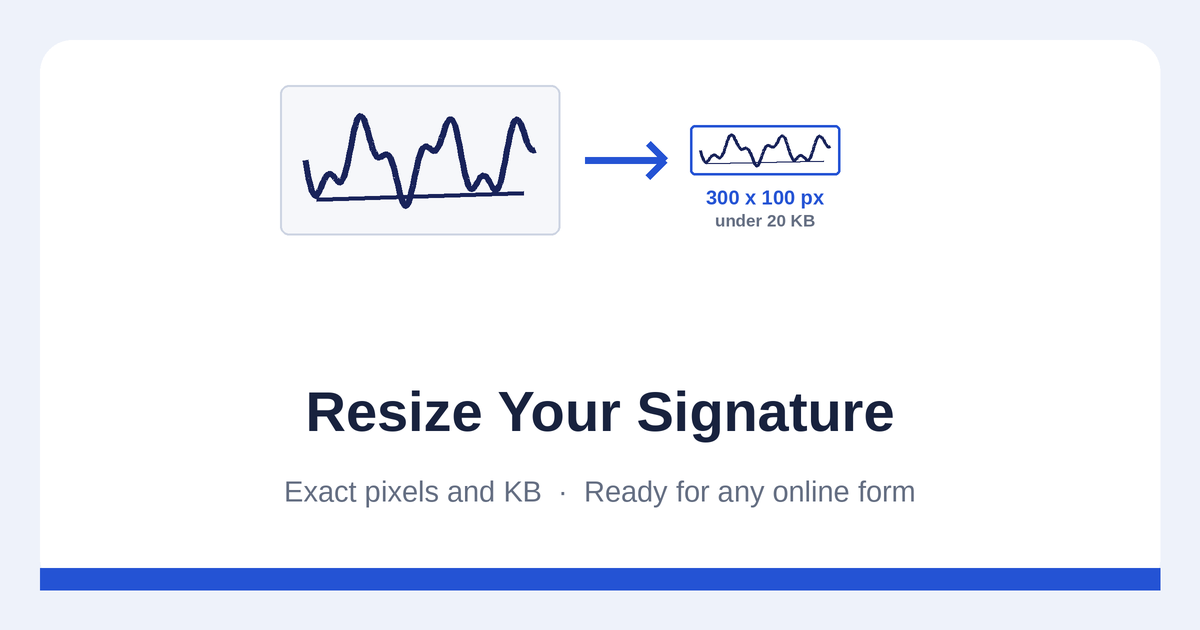
Working with pictures? PDF to JPG saves each page as an image. JPG to PDF turns a photo of a signed form or a receipt into a PDF that upload forms accept. And when a form says “maximum 200 KB”, the Image Resizer gets your photo under the limit. iPhone photo ending in .HEIC that won't open or upload? HEIC to JPG turns it into a normal JPG.

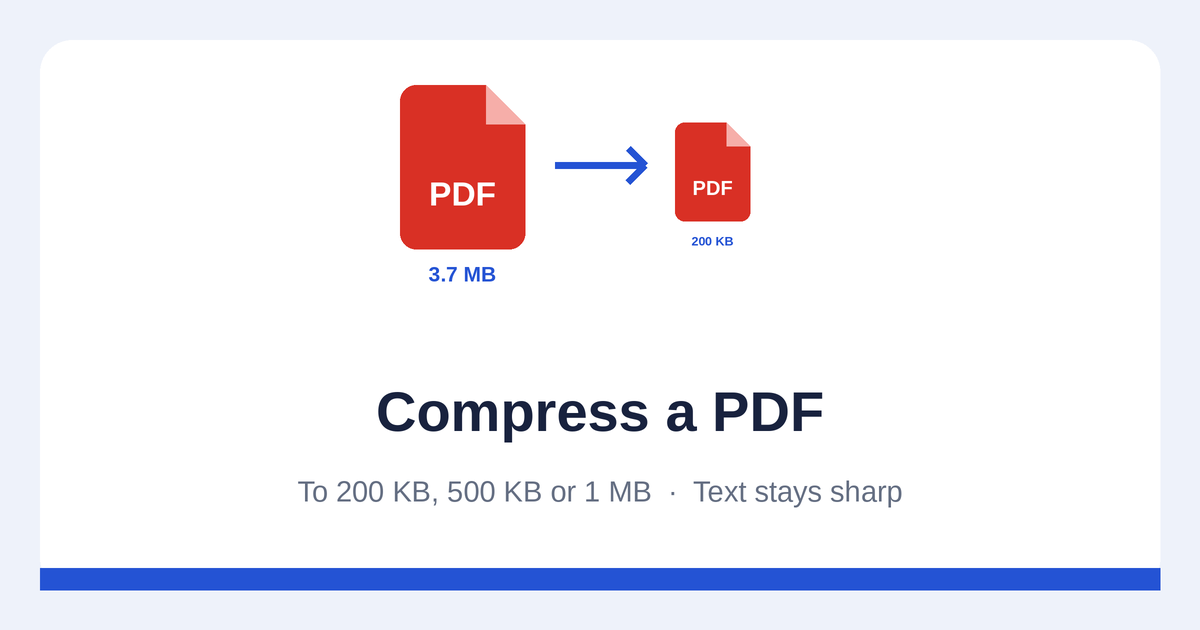
PDF too big, or too many of them? Compress PDF makes a PDF small enough for email or an upload form, with a target like 200 KB or 1 MB. Merge PDF combines several PDFs, and photos too, into one file in the order you choose.

Who's behind this site

PDFConvertly is built and run by Muhammad Irfan Baqir, who makes digital tools and websites. The idea is simple: the file jobs people do every week, for job applications, college forms, tax paperwork or just sending a document, shouldn't need paid software or an account. More about us.

Where your files are processed

You pick and download files in your browser, but the conversion itself happens on our server. Your file travels there over an encrypted (HTTPS) connection, gets converted with open-source software, and comes back to you. We don't pass it to other conversion services.

The file you upload is deleted as soon as the conversion is done, and the converted file is deleted after 30 minutes or 5 downloads, whichever comes first. Our Privacy Policy has the details.

Frequently asked questions

Is it really free?

Yes, there's no paid version. To keep things fast for everyone, each visitor can run up to 10 conversions every 10 minutes. You'd only notice that if you convert a lot of files in a row.

Are my files converted in my browser or on a server?

On our server. Your browser uploads the file over an encrypted connection, the server converts it, and you download the result. Both files are deleted automatically.

Do I need to install anything?

No. You use it in your browser on a computer, tablet or phone, and the conversion itself happens on our server.

Are my files safe?

They're converted on our own servers, never sent to other conversion services, and deleted automatically. Our Privacy Policy explains exactly when.

See all questions